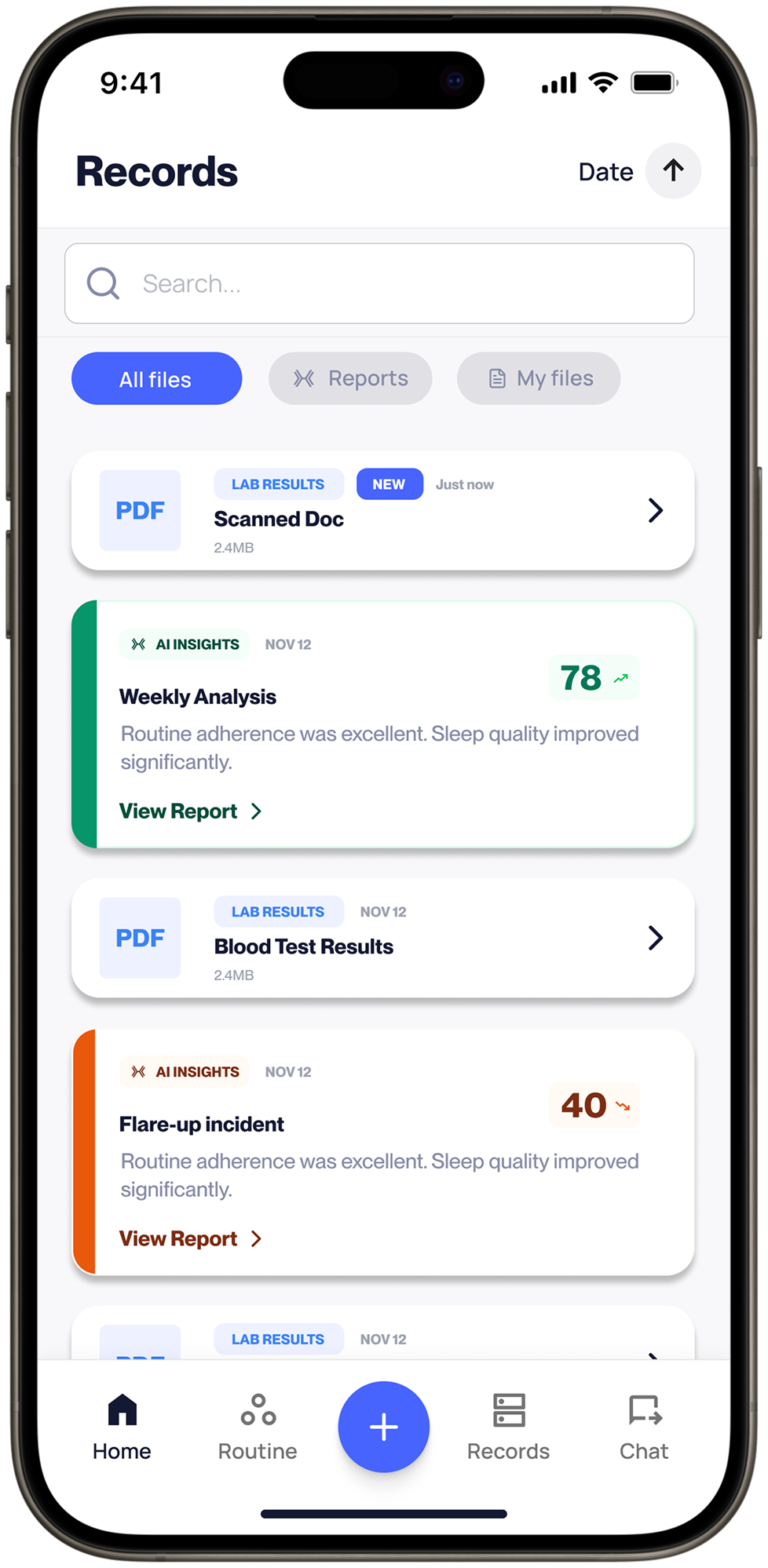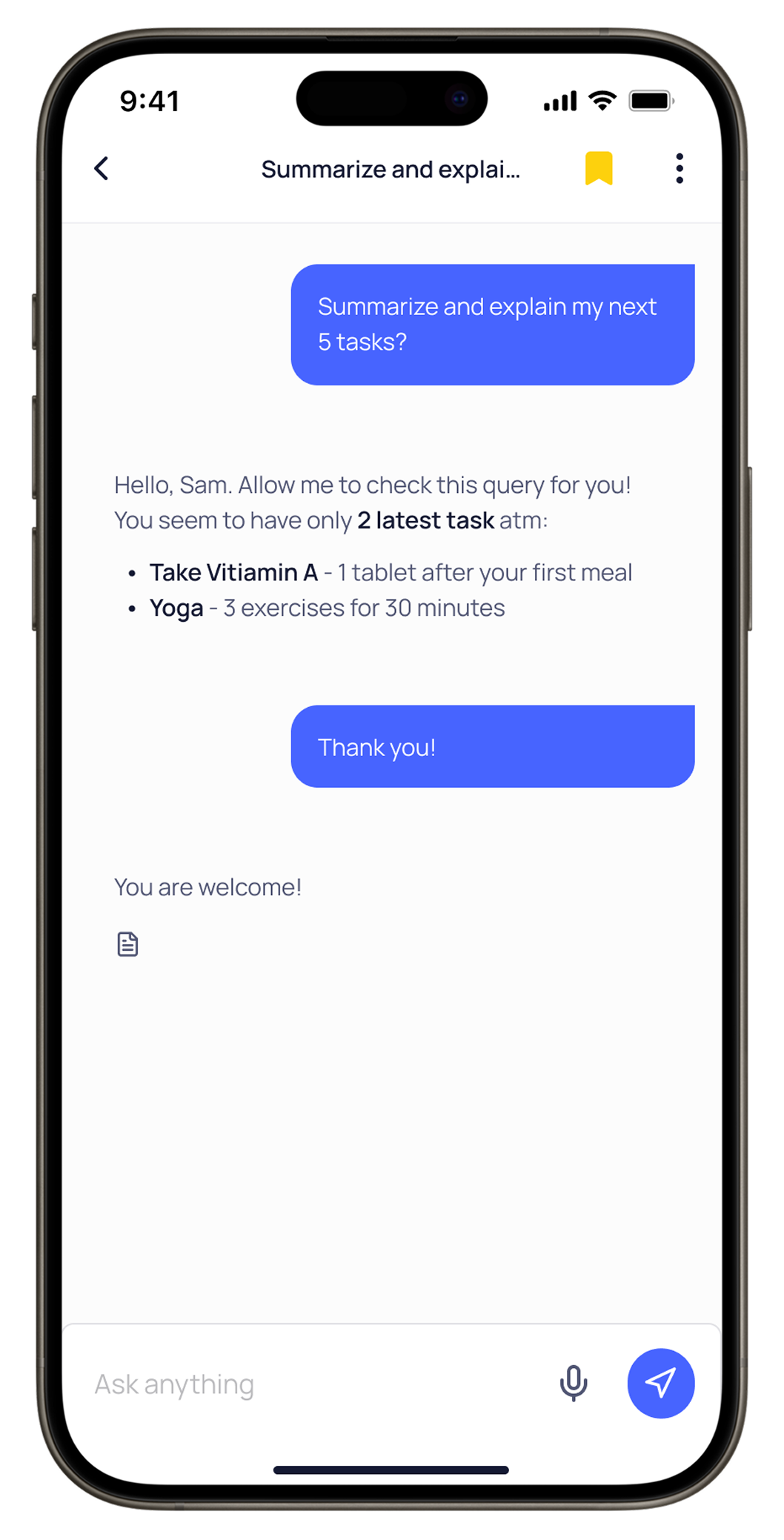
Bring your history. Make room for your questions.

Turn your records, trends and symptom notes into an appointment report. Review the details, keep the sources available and bring what you want to discuss.
Download on the App StoreGoogle Play for Android, coming soon

Check current features and plan terms in the app.

  • Your connected sources
  • You choose whether to share
  • Prepare for your next appointment
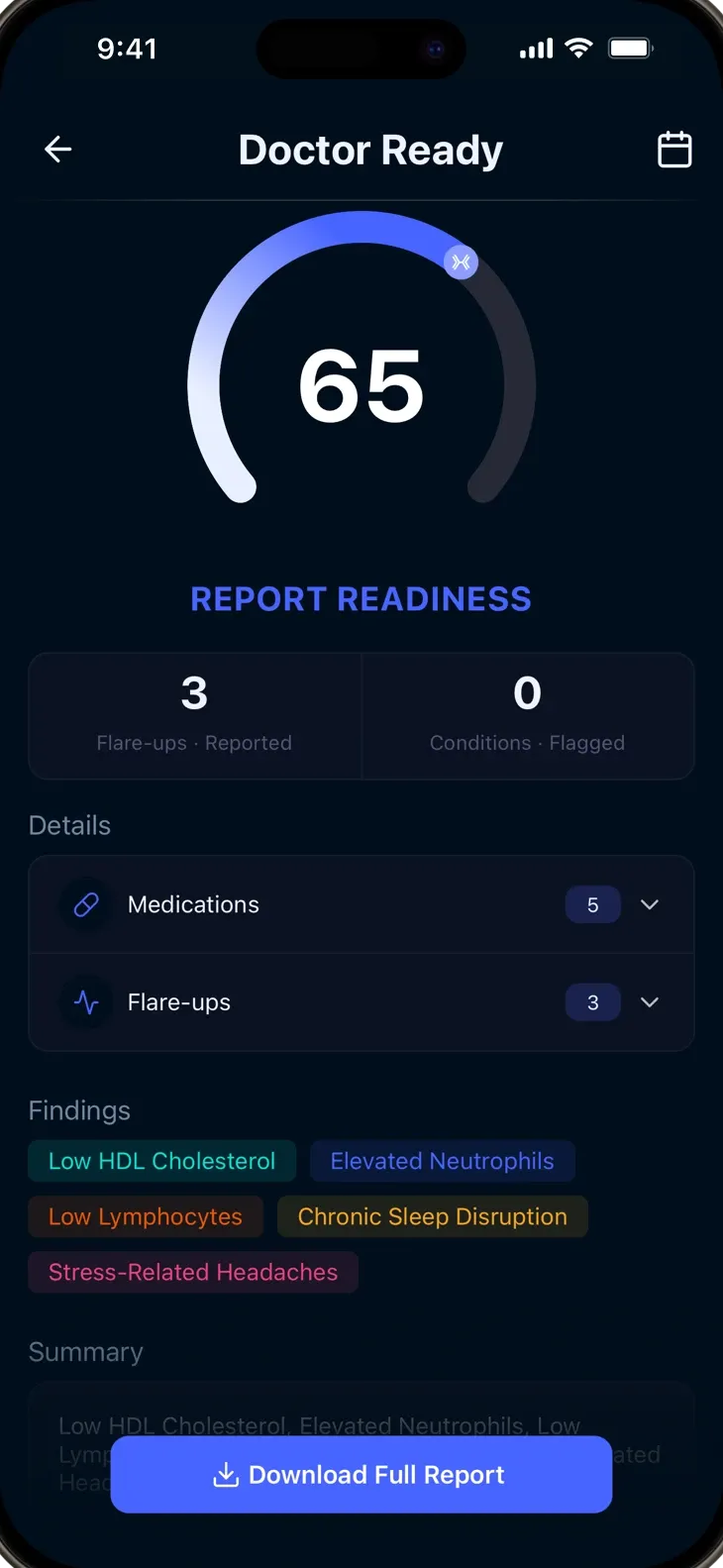
xHeal Doctor Ready report with readiness score, findings, and report download

Illustrative layout · fictional data

A report you can read before you share.

See how a lab result, a sleep trend and a dated note can sit together in an appointment summary, with their sources and the questions you want to ask. This simplified example uses fictional data; your report depends on the information you add and the report type.

Start with the information

A lab report5 September 2026Fasting glucose · 5.1 mmol/LRead the example source

Fictional source extract: sample collected 5 September 2026. Fasting glucose: 5.1 mmol/L. Check units, reference ranges and the original document with your care team.

A wearable trend1–7 September 2026Sleep · 6 h 20 min averageRead the example source

Fictional wearable summary: seven recorded nights, averaging 6 hours 20 minutes. This is a device estimate; gaps and measurement differences can affect a trend.

An everyday note7 September 2026Tired on four afternoons this weekRead the example source

Fictional member note: ‘I felt tired on four afternoons this week. I also changed my work schedule. I want to ask what is worth following up.’

Prepared for a care conversation

What I want to discuss

Afternoon tiredness this week, alongside a change in work schedule.

Recent information

  • Lab report from 5 September: fasting glucose 5.1 mmol/L.
  • Recorded sleep averaged 6 h 20 min across 1–7 September.
  • Member note: tired on four afternoons; work schedule changed.

Questions to bring

  • What additional history would help you assess the tiredness?
  • How should I interpret this result alongside my symptoms?
  • What should I record before our next conversation?

Sources: the three fictional entries shown here. Their timing does not establish a cause. Check the original information before sharing a report.
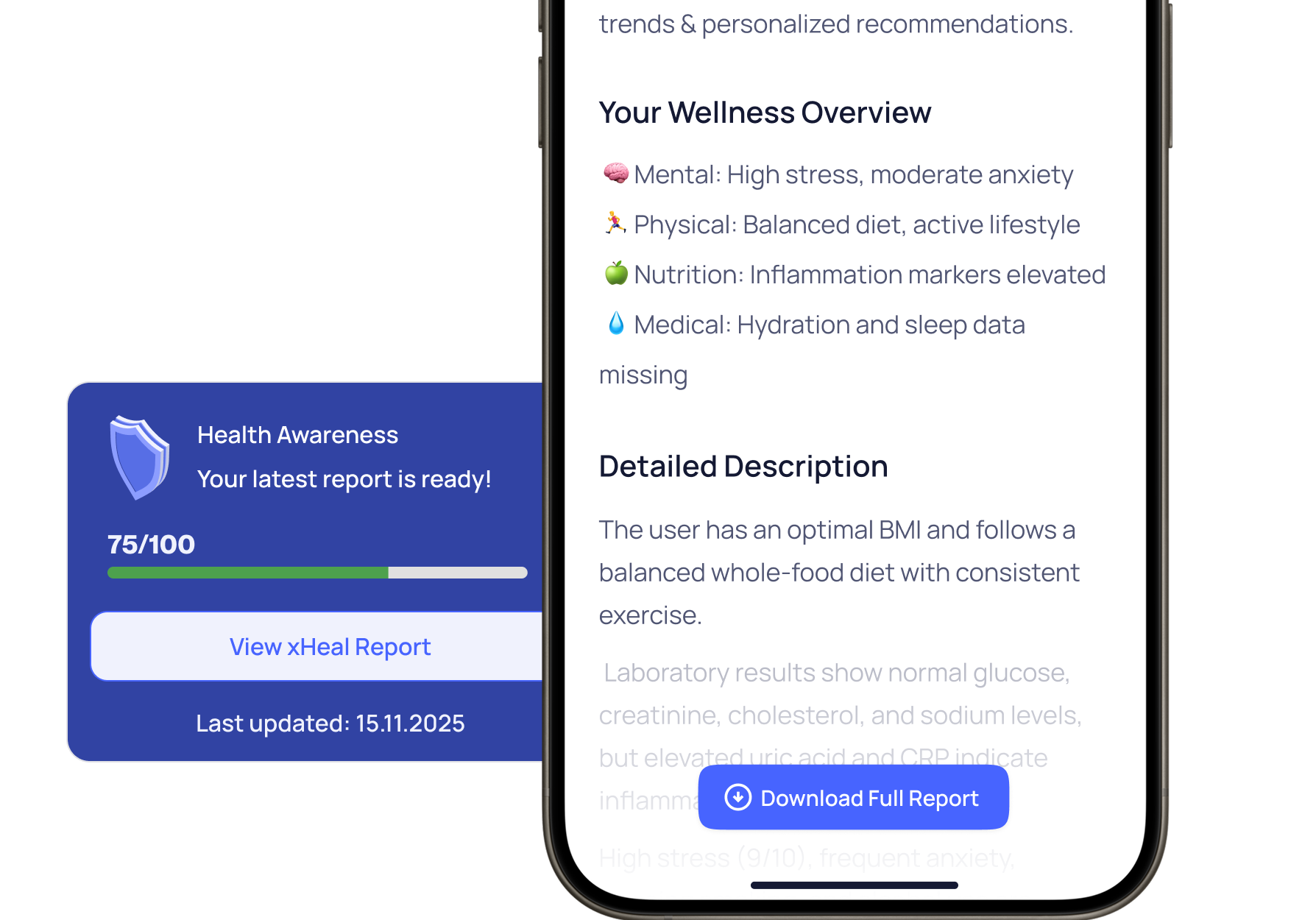
There's a lot to cover. Bring the context.

Appointments feel rushed

There may be months of symptoms, results and concerns to discuss. A prepared summary helps you keep the information you want to cover easy to find.

Your care team may be missing details

Your care team may not have the notes and wearable trends you keep between visits. Bring the relevant changes alongside your records.

You forget what to ask

It is easy to leave an appointment with a question still unasked. Keep your questions with the report so you can refer to them during the visit.

From your data to your care team’s hands

Bring your information together

xHeal uses the records, lab results, wearable trends and notes in your profile to prepare your report.

Choose a report type

Choose a report for the conversation you want to have with your GP, specialist, nutritionist or trainer.

Review, then decide whether to share

Check the dates, values and source documents. Ask your care team how they prefer to receive information before sending or bringing your report.

Four reports. Choose your starting point.

Why Finder

Explore possible associations across your records and symptom notes. Use them to prepare questions for your care team; a report does not establish a root cause.

My Snapshot

A concise overview of the records, trends and notes available in your profile, ready to review before an appointment.

Clinical Report

A detailed report for clinicians and specialists, with lab trends, vital signs, medication history and relevant patterns.

Health Gaps

Review missing information in your profile and prepare questions about whether additional records, testing or screening would be useful.

The right report for every appointment

“What should my specialist know before my appointment?”

Generate a My Snapshot report that summarizes your current health status across all domains.

“How do I explain my symptoms to a specialist?”

The Why Finder report brings possible connections and relevant history into a focused conversation with your specialist.

“How have my labs changed over time?”

The Clinical Report includes historical lab trends so your care team can see the trajectory, not just today’s numbers.

“Am I missing any important tests?”

Use Health Gaps to review information missing from your profile. Ask a professional which tests or screenings are appropriate for you.

“What should my nutritionist know?”

Share relevant data about your diet, supplements, lab markers, and symptom patterns with your nutrition team.

“How do I brief my trainer on my limits?”

Share activity data, recovery patterns, and any medical constraints so your trainer can design safe, effective programs.

Choose the summary for your conversation.

Start with the information you want to discuss, then review the report before it leaves your hands.

  1. Review your sources

    Check which records and notes are current, and add information relevant to your visit.

  2. Choose a report type

    My Snapshot, Why Finder, Clinical Report and Health Gaps offer different starting points.

  3. Check and prepare

    Read the report, inspect source details and ask your care team how they prefer to receive it.

Prepare your source records →

From our team: stories and product walkthroughs

Trifon Getsov · xHeal co-founder

A lab result worth following up

Trifon describes his own health journey, the information he reviewed and the questions it raised.

Read Trifon's account →

Kalin Stoev · xHeal Head of Engineering

From recurring headaches to an eye appointment

Kalin shares how he organized his headache history and followed up with a professional.

Read Kalin's account →

xHeal team · Product walkthrough

From your first source to your next appointment

Explore the steps for adding information, reviewing it and preparing for your next appointment.

See the product walkthrough →

First-person accounts and product examples. Individual experiences do not establish clinical effectiveness or predict another person’s results.

Reports you control. Data that stays private.

A useful starting point for a visit

Bring the relevant history and questions together. Ask your care team which format and information they prefer.

Review the sources

Review the source information and any references included in a report. Your care team should interpret it alongside their own assessment.

You decide who sees what

Download as PDF, share from the app, or keep reports private. No report is shared without your explicit action.

You choose when to share a report

Reports use information in your xHeal profile and the processing described in the Privacy Policy. Once you export or send a copy, the recipient can retain that copy independently of live access.

  • Your connected sources
  • You choose whether to share
  • Prepare for your next appointment
xHeal 360-degree health analysis

About specialist-ready reports

They’re designed for any healthcare provider: GPs, specialists, nutritionists, personal trainers, or therapists. Each report is formatted to be clear and actionable for professionals.

You control sharing. You can download reports as PDFs or share them directly from the app before or during appointments.

Prepare a report when you need a summary, such as before an appointment. Check that the information in your profile and the report dates are current before sharing.

Reports are generated from the information in your xHeal profile. AI can miss context or make mistakes, so check dates, values and source documents before sharing. Use the report to support a professional assessment.

xHeal automatically selects the most relevant data for each report type. You can also add personal notes or context before sharing.

Walk in prepared. Bring your questions.

Download xHeal to prepare a report with the history and questions you want to discuss.

Download on the App StoreGoogle Play for Android, coming soon

Check current features and plan terms in the app.