Trifon Getsov · xHeal co-founder
A lab result worth following up
Trifon describes his own health journey, the information he reviewed and the questions it raised.
Read Trifon's account →

Check current features and plan terms in the app.
Your vitals live in Apple Health. Labs in a PDF. Medications in a note. Diet in a third app. When something feels off, you’re the one stitching it all together.
A heart-rate chart, a sleep summary and a lab result can each raise questions. Seeing their dates and context together gives you a better starting point.
You notice fatigue after meals or worse sleep on stressful days. With your next appointment weeks away, you want a way to explore the question and keep track of the details.
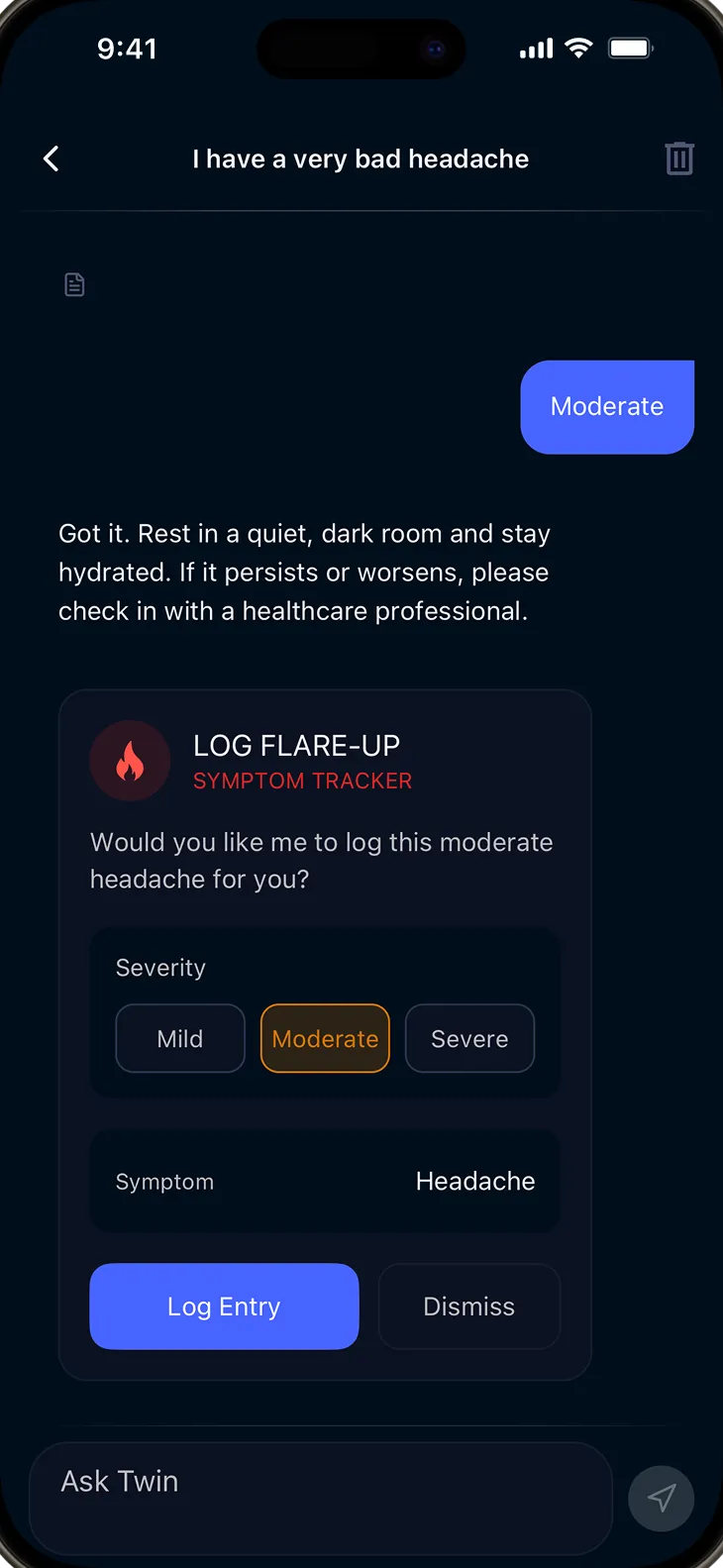
Type a question in plain language. “What were my vitals last month?” “What changed around the days I logged fatigue?” No medical jargon needed.
xHeal uses records, lab results, wearable trends and logs available in your profile to help answer your question.
Read the explanation and review the source information it refers to. Use the conversation to prepare questions or find a record you want to discuss.
Ask about measurements available in your health timeline and check the dates and original records.
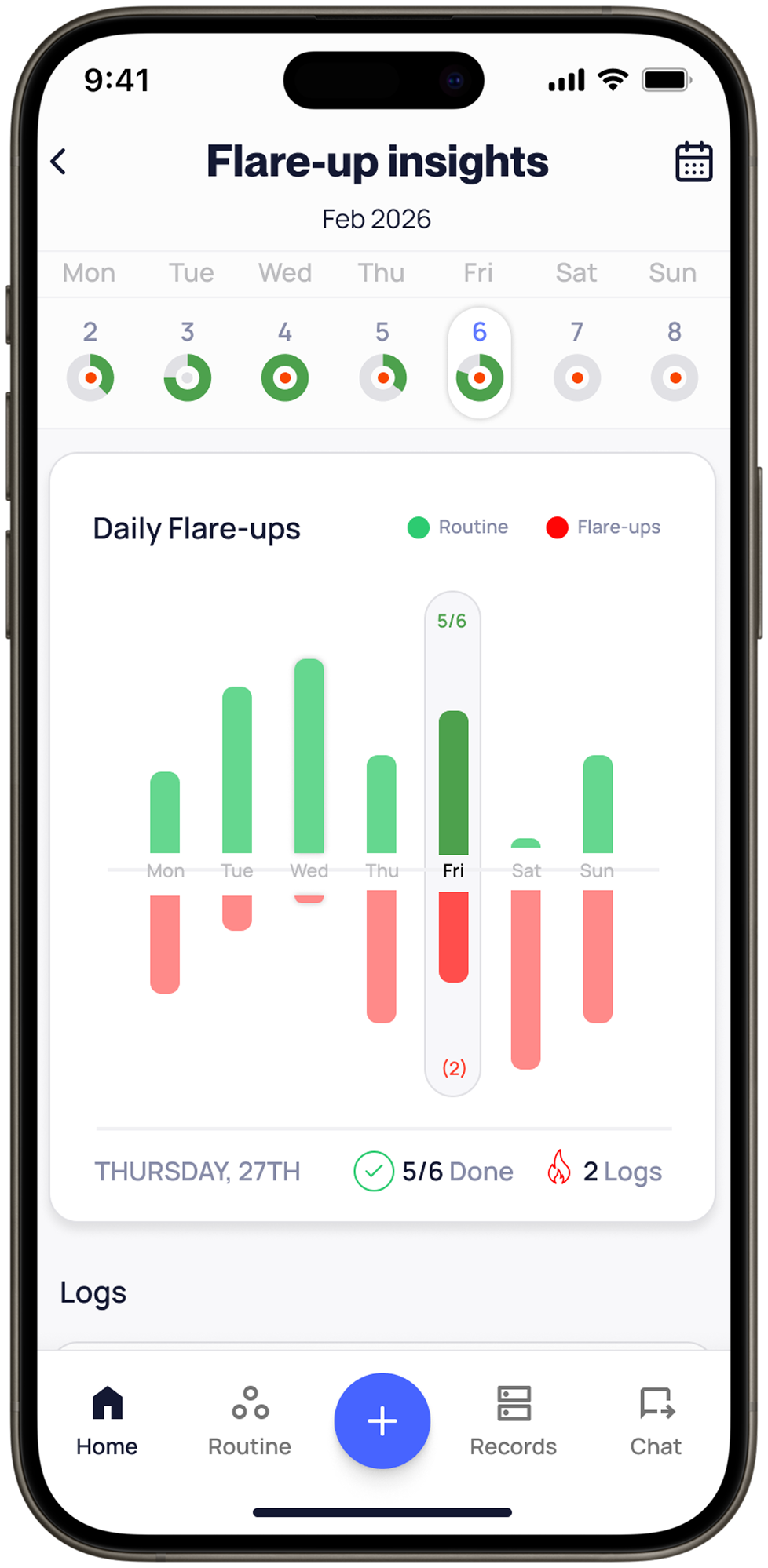
Review symptom timing beside sleep, stress, nutrition and activity. Recurring associations can help you prepare questions about possible triggers.
Review gaps in your available records and prepare questions about further testing. Your care team can advise which tests are appropriate.
Explore a suggested weekly priority based on your available trends and goals. Review it alongside your care team's advice.
Review sleep beside energy notes, mood beside activity, or stress beside symptoms. An association does not establish a cause.
Upload a PDF or photo and explore explanations of the results alongside your available history. Check extracted values, units and dates against the original report.
Health apps differ in the sources they support and the questions they help you explore. Compare the current product and plan with the information you want to bring together.
xHeal brings records, wearable trends and everyday notes into a health picture you can use for care conversations.
WHOOP question-answering and personalized guidance checked against its official April/May 2026 documentation. Other capabilities vary by product, region and plan; confirm current details with each provider.
Sources: WHOOP AI guidance, Questions you can ask WHOOP AI.
Trifon Getsov · xHeal co-founder
Trifon describes his own health journey, the information he reviewed and the questions it raised.
Read Trifon's account →Kalin Stoev · xHeal Head of Engineering
Kalin shares how he organized his headache history and followed up with a professional.
Read Kalin's account →xHeal team · Product walkthrough
Explore the steps for adding information, reviewing it and preparing for your next appointment.
See the product walkthrough →First-person accounts and product examples. Individual experiences do not establish clinical effectiveness or predict another person’s results.
xHeal stores conversation history and uses service providers to process information for its features. The Privacy Policy explains processing, storage and retention.
Health explanations support your understanding. Review the sources available in an answer and discuss decisions with your care team.
Manage your history in the app or contact support about access and deletion. Retention requirements and exceptions are described in the Privacy Policy.
Uploaded records and connected data are processed within xHeal and by the service providers described in the Privacy Policy. Clinic sharing is a separate choice.
No. xHeal Chat is a health companion, not a medical provider. It helps you understand your data, spot patterns, and prepare better questions for your care team. It does not diagnose, treat, or prescribe.
Everything in your xHeal profile: vitals from Apple Health, uploaded lab results, medical records, logged symptoms, medications, supplements, routines, and life events. The more you share, the more complete the picture.
Your chat history is stored in your xHeal account. xHeal and its service providers process information to operate the feature. Read the Privacy Policy for storage, AI processing, retention and deletion details; clinic sharing is a separate choice.
Review the dates, values and sources behind an explanation. AI can miss context or make mistakes. Bring questions about interpretation or care decisions to a qualified professional.
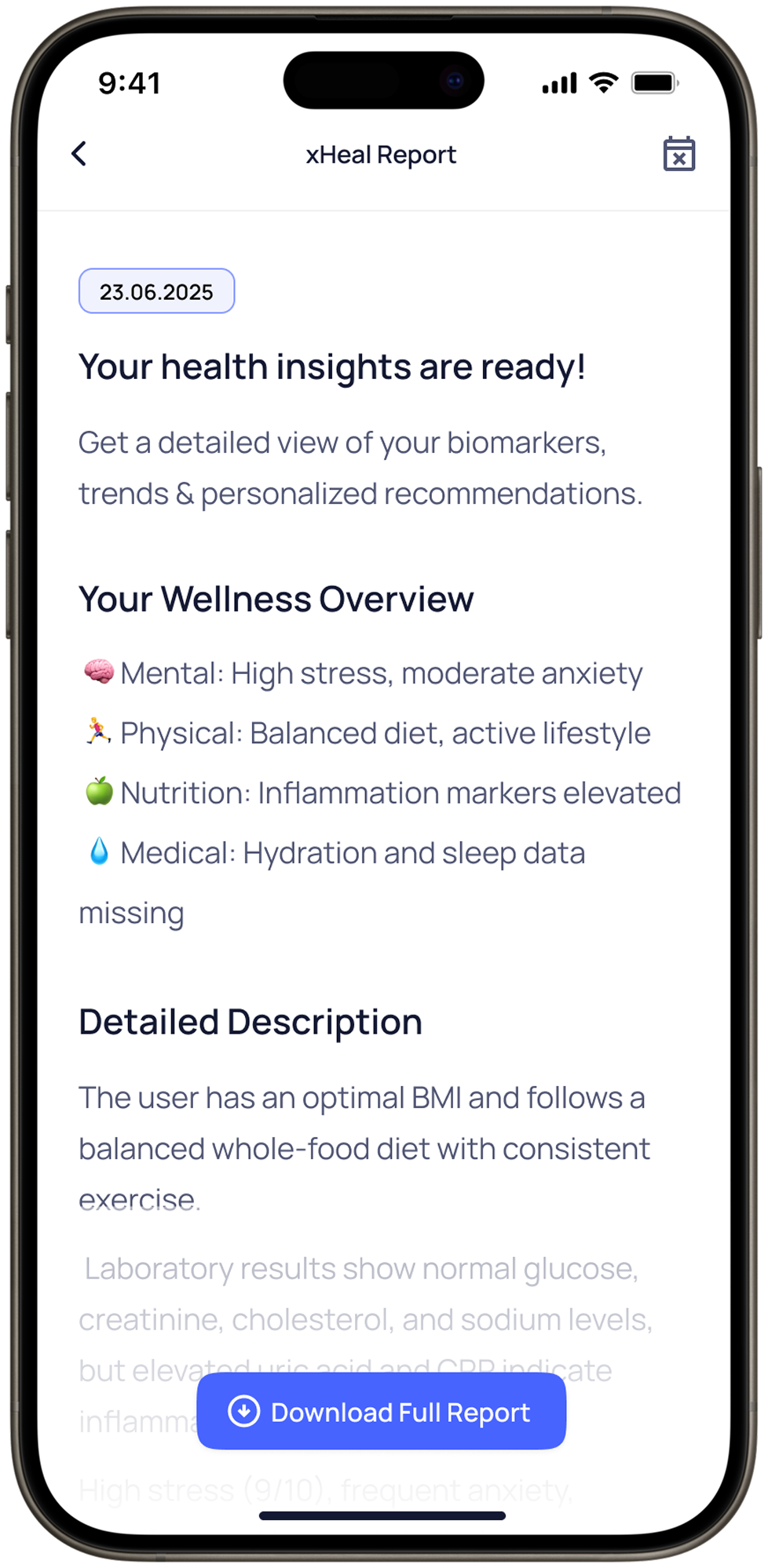
Yes. Choose from four reports: Why Finder, My Snapshot, Clinical Report and Health Gaps. Review the report and ask your care team how they prefer to receive it.
Download xHeal to ask about the records, trends and notes you choose to add.
Check current features and plan terms in the app.