Trifon Getsov · xHeal co-founder
A lab result worth following up
Trifon describes his own health journey, the information he reviewed and the questions it raised.
Read Trifon's account →

Check current features and plan terms in the app.
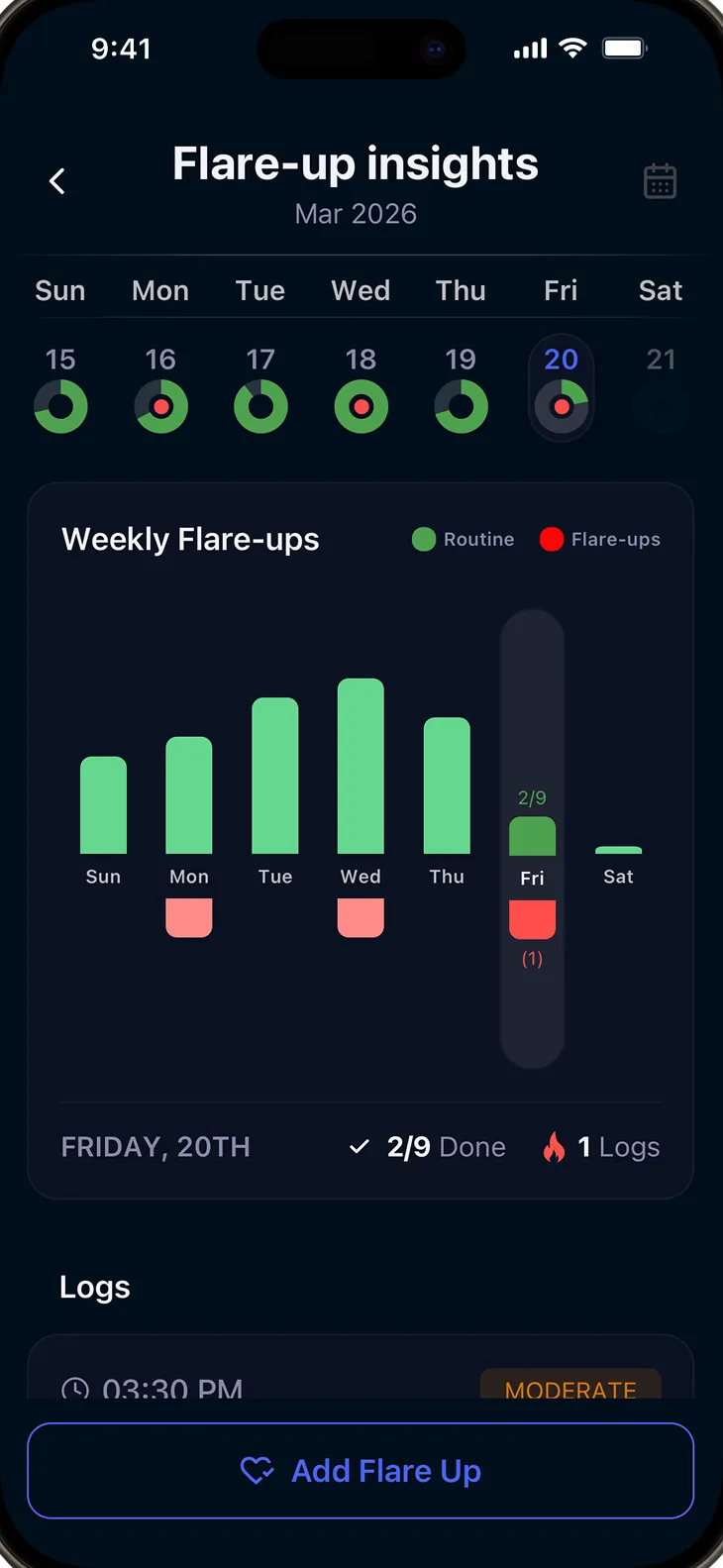
Meals, stress and sleep can all be worth discussing. Dated notes help you look back at what happened around an episode.
Recurring symptoms can be exhausting, even when you keep careful notes. A dated history can support a care conversation without asking you to solve the pattern alone.
It can be hard to recall what changed before an episode. Recording the details as they happen gives you and your care team a history to review.
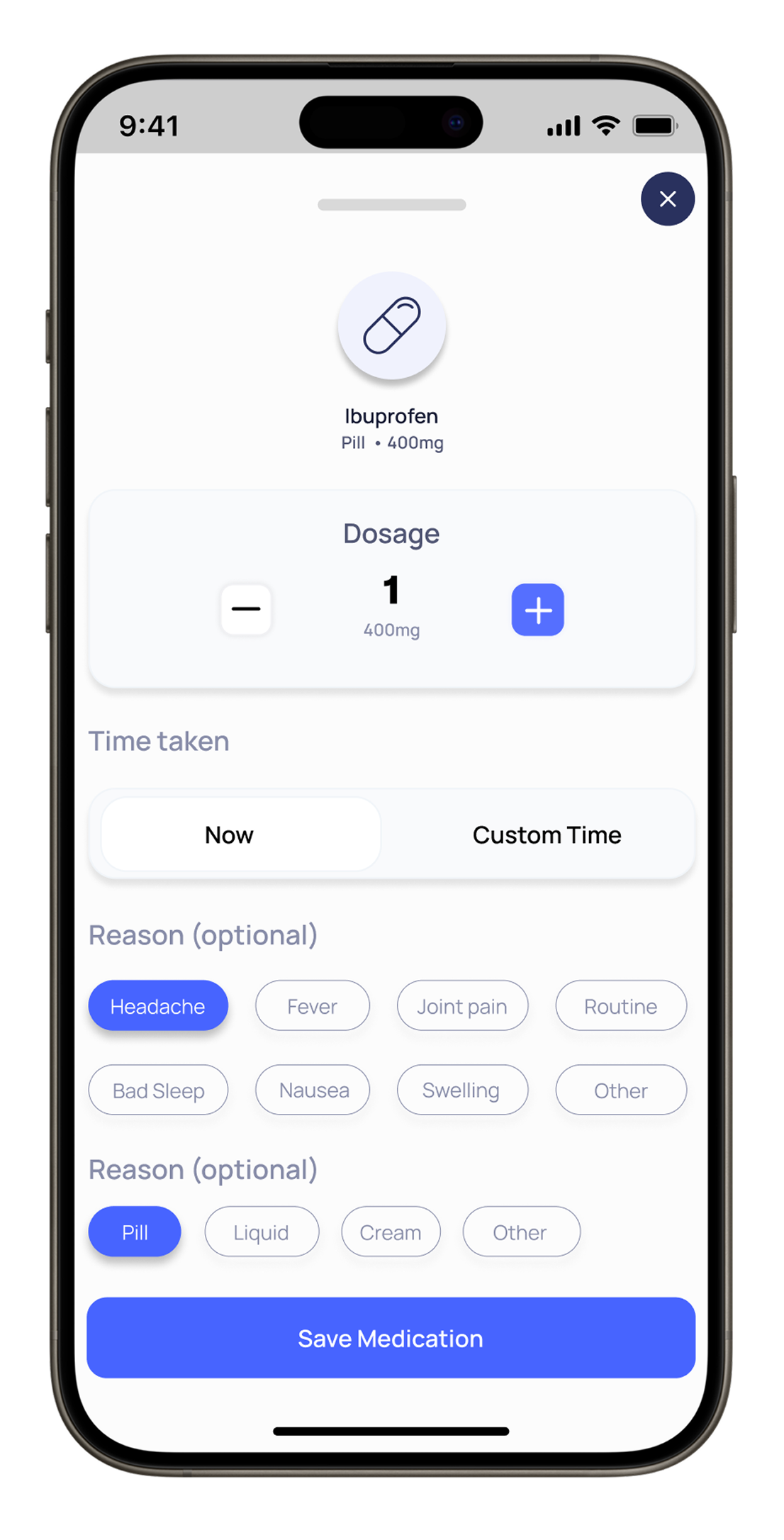
Log symptoms, meals, sleep, stress, medications, and activity. xHeal also pulls data from Apple Health and your wearables automatically.
Review how your symptoms and connected trends change over time. Possible associations are starting points for investigation, not proof of a cause.
Bring symptom timing together with the sleep, stress and activity information you have recorded. Use recurring patterns to prepare questions for your care team.
Compare the days when you logged symptoms with your weekly routines and recorded trends.
Compare food logs with symptom timing. Recurring associations can help you prepare questions; they do not confirm or rule out a trigger.
Review sleep quality, duration and timing alongside next-day symptom notes.
Explore whether similar combinations of habits and trends appear near the episodes you have logged.
Review the frequency and severity of the episodes you recorded over time. Discuss changes and possible explanations with your care team.
Prepare a summary of recent episodes, relevant changes and questions. Use your care team's plan for responding to symptoms.
A consistent log helps you describe what happened without relying on memory.
Add what you experienced and when it happened using the symptom fields in your app.
Review the notes and wearable trends available around the same dates.
Describe recurring timing or changes to your care team. An association does not establish a trigger.
Trifon Getsov · xHeal co-founder
Trifon describes his own health journey, the information he reviewed and the questions it raised.
Read Trifon's account →Kalin Stoev · xHeal Head of Engineering
Kalin shares how he organized his headache history and followed up with a professional.
Read Kalin's account →xHeal team · Product walkthrough
Explore the steps for adding information, reviewing it and preparing for your next appointment.
See the product walkthrough →First-person accounts and product examples. Individual experiences do not establish clinical effectiveness or predict another person’s results.
Symptom logs are part of your xHeal account. xHeal and its service providers process data to operate the app; sharing with a clinic is a separate choice.
Possible associations can help you ask better questions. They do not establish a cause or replace clinical assessment.
Manage your logs in the app or contact support about access and deletion. The Privacy Policy explains retention and exceptions.
We don’t monetize your health data. Our business model is the product, not your personal information.
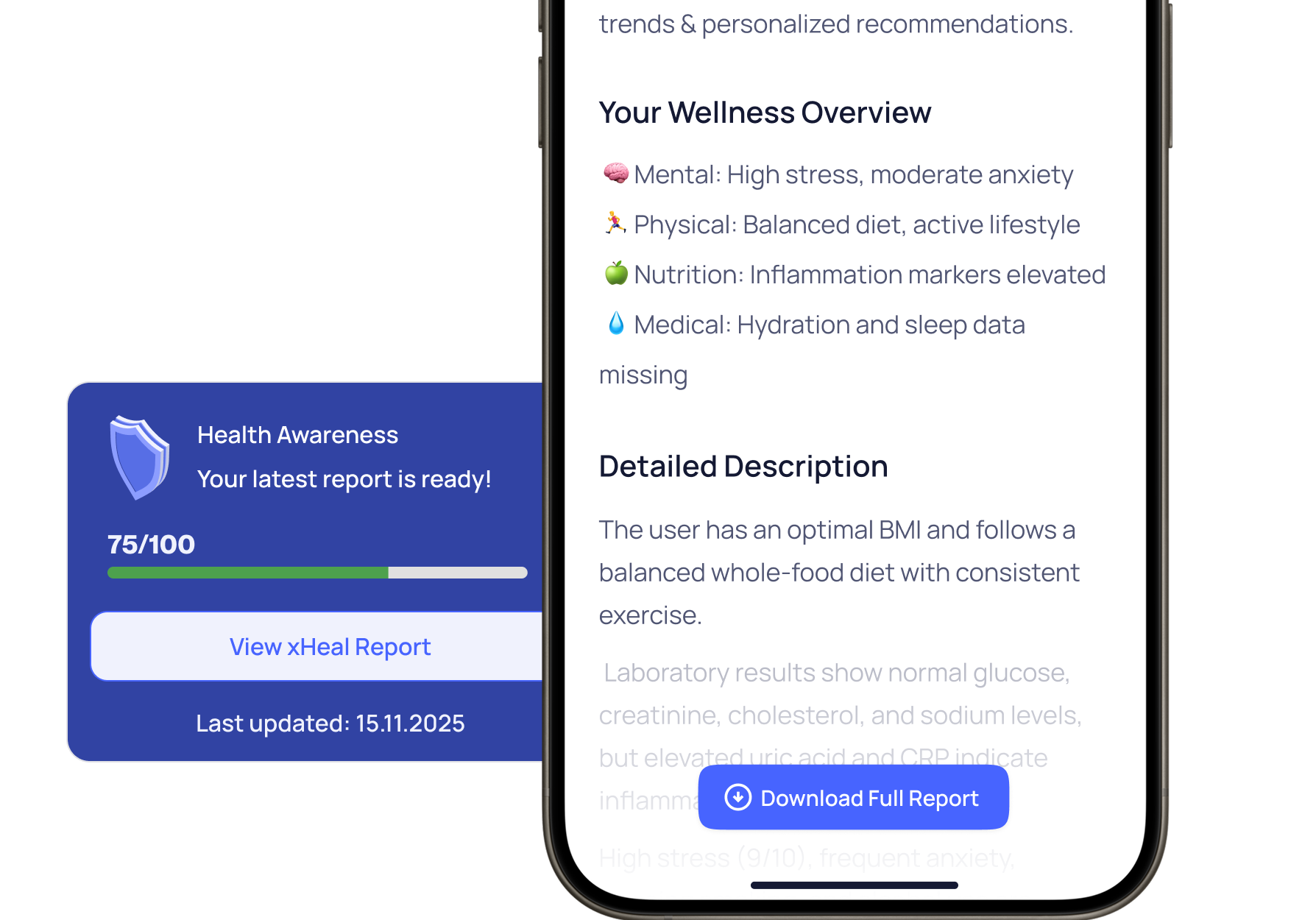
xHeal brings symptom history together with sleep, stress, nutrition, activity and clinical information. You can review possible associations over time and discuss them with your care team.
xHeal does not guarantee a warning or a prediction window. Patterns in previous episodes may help you ask questions about recurring factors, but they do not establish what will happen next.
You can log recurring symptoms and review them alongside your data. Usefulness depends on the information available; this is not a claim of validated prediction or treatment for a particular condition.
No. xHeal identifies patterns and correlations in your data to help you and your care team understand triggers. It does not diagnose conditions or replace clinical care.
Start by logging what happened and when. A longer, consistent history gives you more information to review, but there is no guaranteed time to finding a meaningful pattern.
Download xHeal to keep a symptom history and review it alongside your daily trends.
Check current features and plan terms in the app.