xHeal Now Has a Provider Side: Introducing Provider Workspace
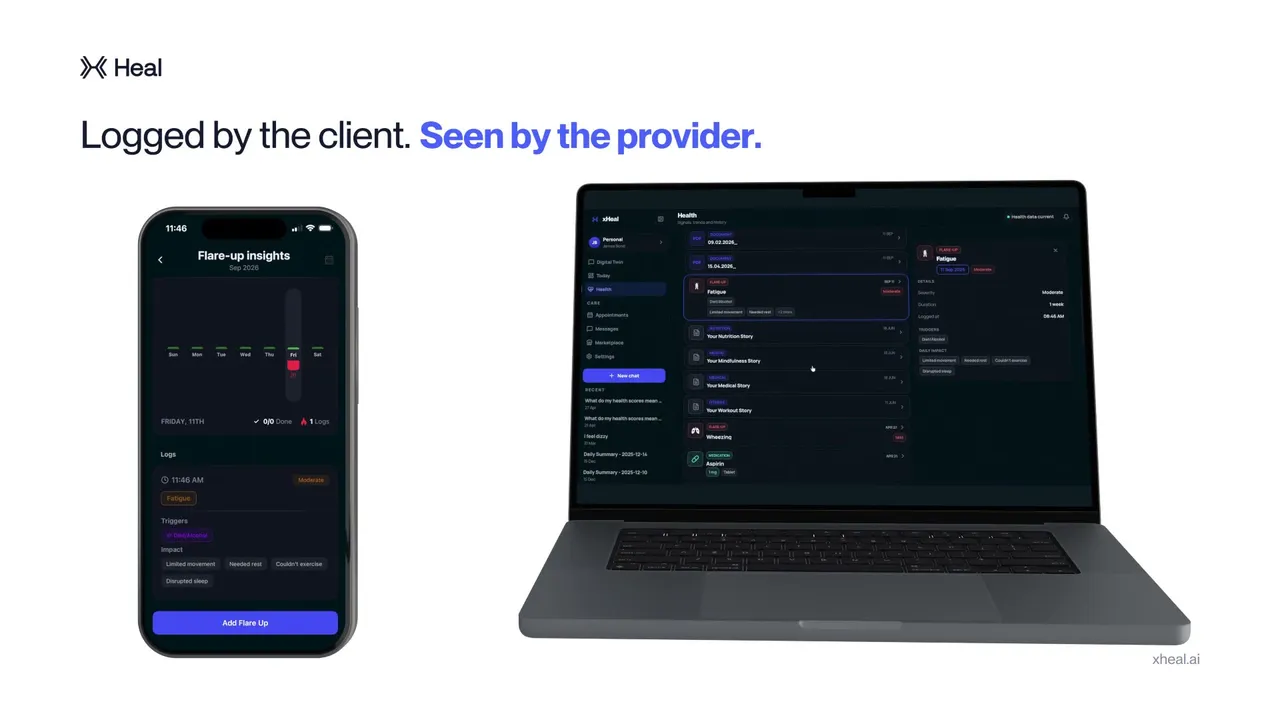

Your health history should not stop at the appointment door. You can gather records, connect Apple Health, and log what changes between visits, but that work is less useful if your practitioner has to start from memory again.
Provider Workspace connects the practice to the health context you choose to share. It is the practice-facing side of xHeal, bringing bookings, client information, and documents into the same workflow.
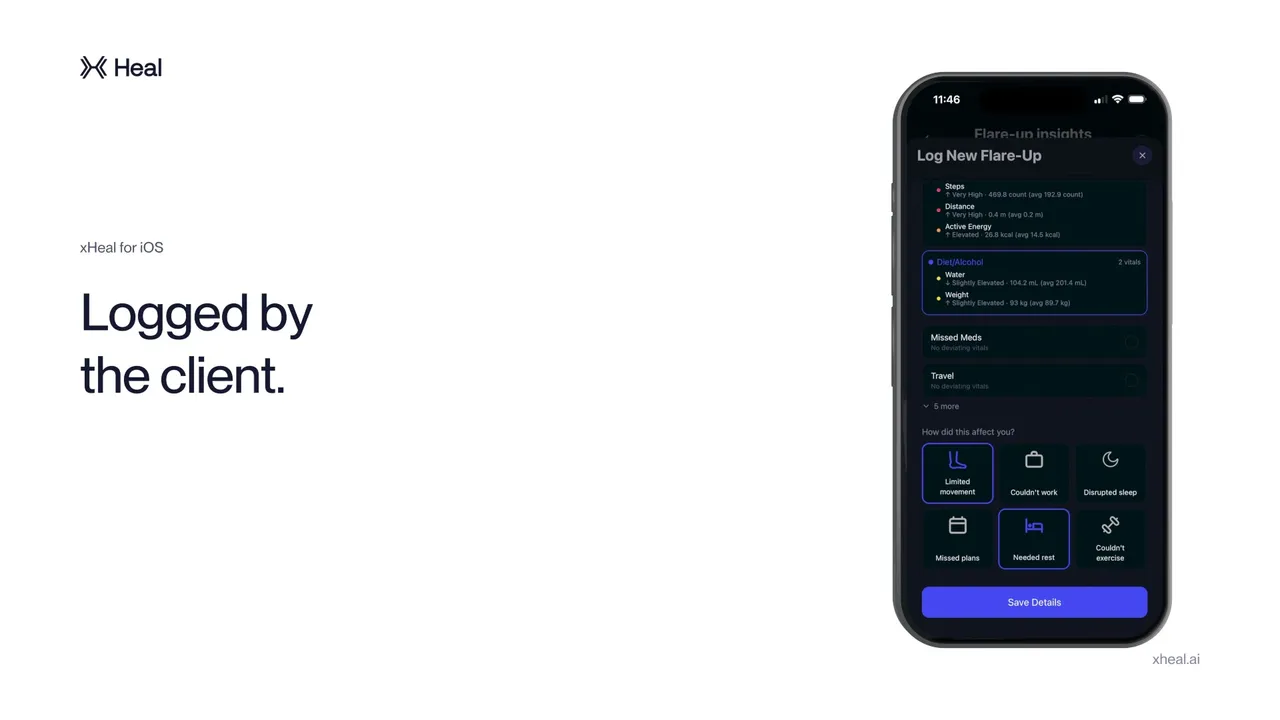
One product, two doors
For individuals, xHeal is the app where records, wearable trends, daily notes, and questions come together. For practices, Provider Workspace is where the information a client agrees to share becomes available for the consultation.
The workspace brings together six areas:
- Analytics: Review revenue, demand, capacity, utilisation, and no-shows.
- Services: Publish what the practice offers and make it available for booking.
- Appointments: Follow a booking from confirmation through completion.
- Clients: Review the records, trends, and notes each person has chosen to share.
- Documents: Keep reports and files against the client profile.
- Intent: Keep the client's goals and priorities in view before the consultation.
That last area matters. A useful consultation starts with what the person wants to discuss, not just the measurements available on a screen.
The loop, in three steps
- The practice publishes its services. A client can then book an appointment inside xHeal.
- The client chooses what to share. The choice happens per appointment, rather than granting blanket access to everything in the app.
- The practice reviews the shared history and writes back. Relevant documents and updates can return to the client's record after the visit.
That return path is important. Reading a history is only half the exchange. Reports, consultation summaries, care plans, and other documents need a place in the person's continuing timeline.
Why the client decides
Health context is personal. Someone may want to share a lab report and recent symptom notes for one appointment without opening their entire history.
Provider Workspace is built around that boundary. The client chooses the context for the booking, and the practice works with what has been shared. The analytics view also shows how many upcoming visits have shared health context, making the distinction visible rather than leaving it buried in a policy.
For practitioners, that makes it easier to explain the workflow. For clients, it keeps the decision about sharing attached to a specific appointment.
For practices
If you run a longevity, functional-health, or preventive practice, Provider Workspace gives you a way to review the information clients collect between visits and contribute to the same record afterwards.
Our professional plans describe the current Partner and Enterprise options. Use that page for current pricing and terms, rather than relying on the details of a launch announcement.
Book a demo and we will walk through the workspace against the way your practice works. If you prefer to email first, contact support@xheal.ai.
Medical disclaimer: This content is for informational purposes only and does not constitute medical advice. Always consult your healthcare provider before making changes to your health routine, medications, or treatment plan. xHeal is a health tracking and awareness tool, not a diagnostic or treatment platform.
Keep reading
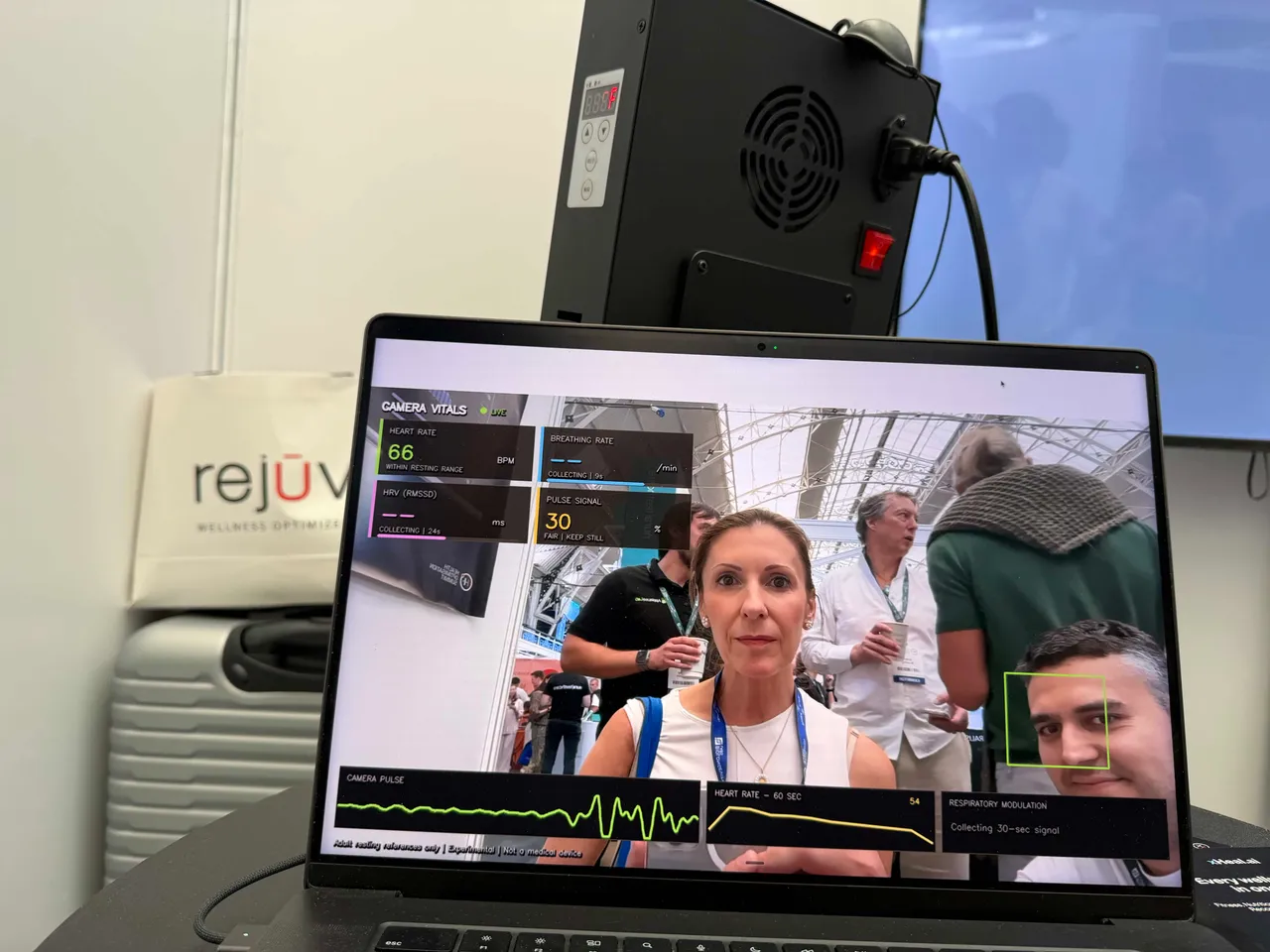
They Wanted Their Own Version: xHeal at the Health Optimisation Summit
More than 230 demos at booth B57 in London, and a question from practitioners: could their clinic use xHeal under its own brand?
xHeal TeamSep 26, 2026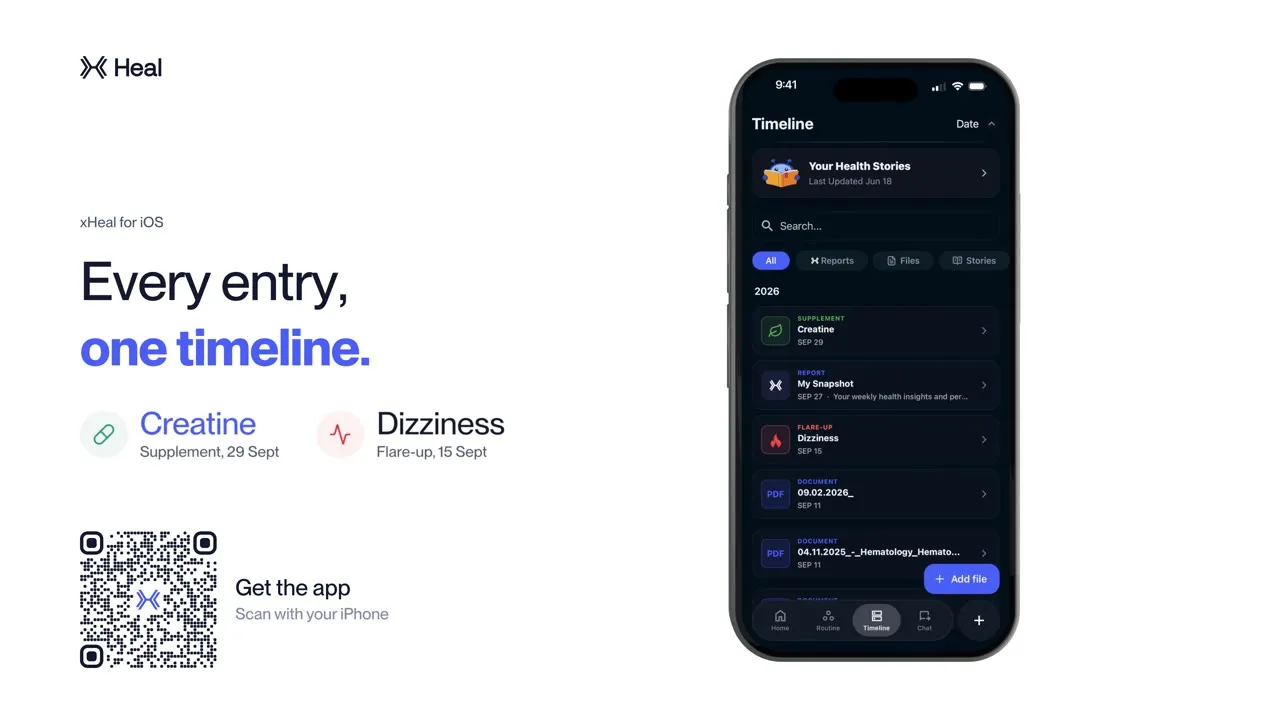
Around 80 Demos in One Day: xHeal at Sacred Vitality
A day at the Royal Society of Medicine, around 80 demos, and conversations about how the xHeal app and Provider Workspace fit into everyday care.
 Kalin StoevOct 7, 2026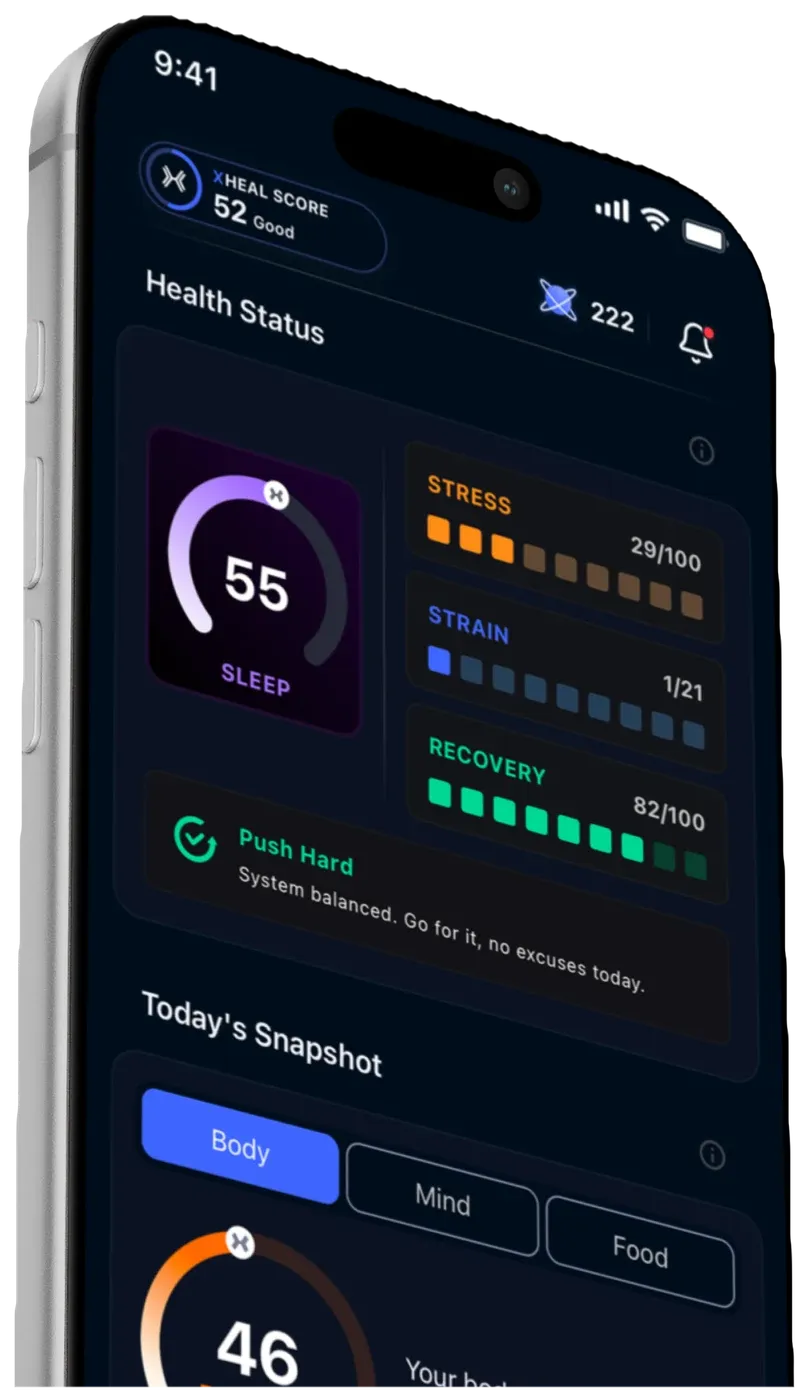
xHeal v2 Launches on iOS in the EU and US
The new xHeal experience brings your daily Snapshot, routines, Timeline, chat, reports, nutrition, workouts, and mindfulness into one iOS app.
xHeal TeamJul 20, 2026